
Home › Login Help
Veer Game Login Help
The Veer.Game login screen has two tabs, Phone Number and Email, and each one asks for your password as well. Pick the tab that matches the details on your account.
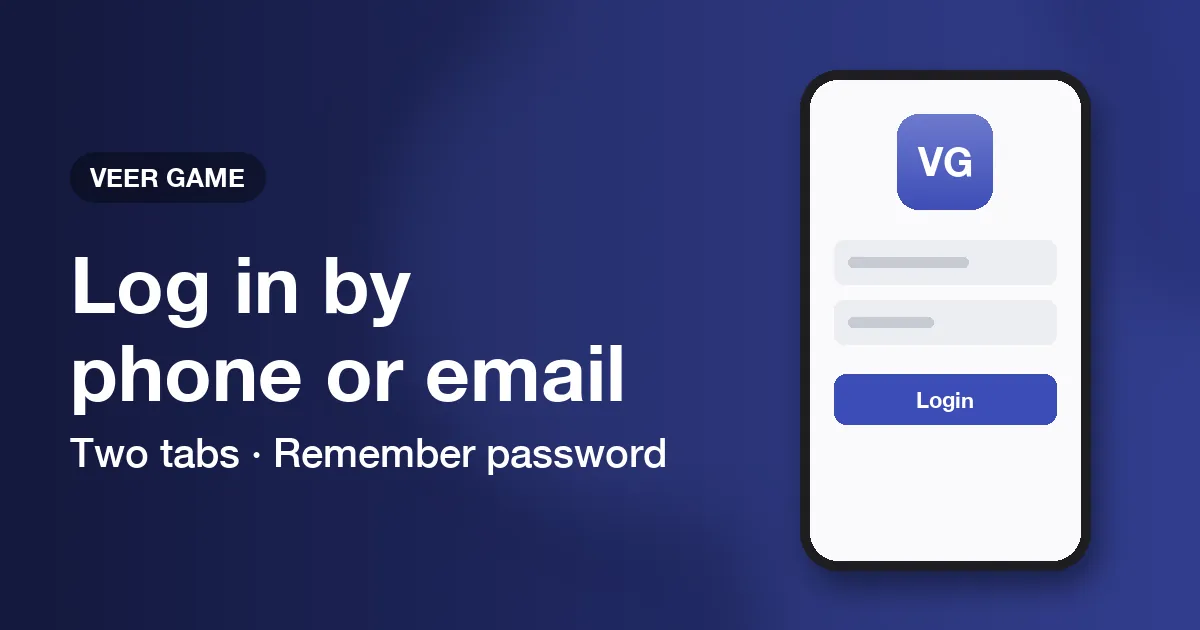
Signing in to Veer Game in five steps
- Open the Veer.Game Log in screen in your phone's browser.
- Choose the Phone Number tab for a +91 mobile number, or the Email tab for an email address.
- Type your password.
- Tick Remember password only on a phone nobody else uses.
- Tap Log in.
Two tabs, two kinds of account detail
| Tab | What it asks for |
|---|---|
| Phone Number | +91 mobile number and password |
| Email address (the box reads 'please input your email') and password |
Because the register form only showed a phone option, the Phone Number tab is the natural place to start with a new account.
Veer Game login not working
- Password refused: check you are on the right tab and that the number has no extra spaces or a second +91 typed in.
- Account locked: after more than 10 wrong entries a message says 'Please Use Forgot Password To Change New Password For Unlock And Log In', with a Contact customer service button. The forgot password guide walks through both routes.
- No account yet: the login form has a Register button, and the register form walkthrough explains every box.
- Page will not load: the platform has loaded at more than one numbered address, so use only one you have used before, with a padlock in the address bar.
Veer.Game states that its customer service never sends links directly to members. Treat a login link that arrives by message with suspicion, and see support for genuine help routes.
Questions and answers
Is there a separate app login?
No download prompt appeared on the home, register or login pages, and the login form itself is a web page that opens in the browser. The mobile app page has more.
Is the Phone Number tab for Indian numbers only?
The country selector showed the +91 India prefix. Whether other country codes can be picked was not checked.
Finished with the login help? Use the button below.